
Installation
Requirements
Section titled “Requirements”- Godot 4.7 (Forward+ or Compatibility). Hengo uses 4.7-era APIs, so older versions won’t run it.
- No runtime dependencies: Hengo only touches the editor and generates plain GDScript.
Install the addon
Section titled “Install the addon”- Download or clone Hengo from GitHub.
- Copy the
addons/hengo/folder into your project’sres://addons/directory. - Open Project → Project Settings → Plugins and enable Hengo.
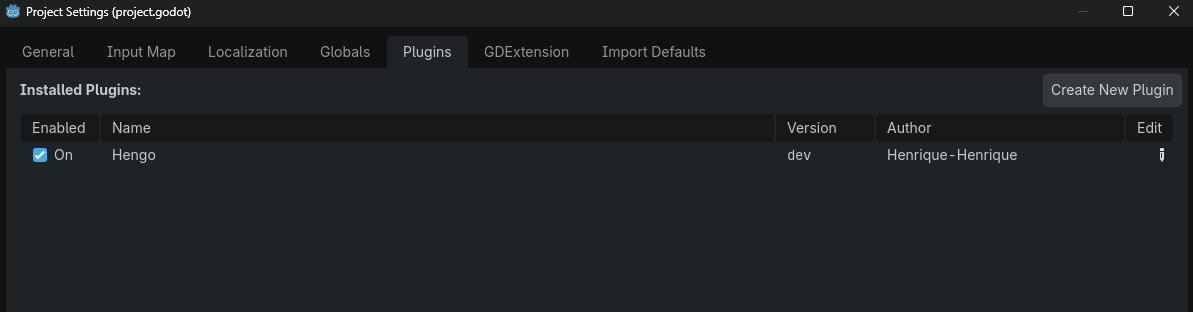
Once enabled, a Hengo tab appears in the editor’s bottom panel. Click it to open the tool.
What gets created
Section titled “What gets created”Hengo stores your work under res://hengo/:
res://hengo/collections/, your editable graph data (the source).res://hengo/scripts/, the generated GDScript (the build) you attach to nodes.
The collections/ folder is hidden from Godot’s importer with a .gdignore (unless you turn on
Development Mode). See Source & Build.
Hengo also creates res://hengo/macros/, where your project’s own
custom actions go.
Start the guided path: Your First Game.