
Interface Overview
Hengo is a single panel with a few fixed areas. This page is the map; each area has its own page.
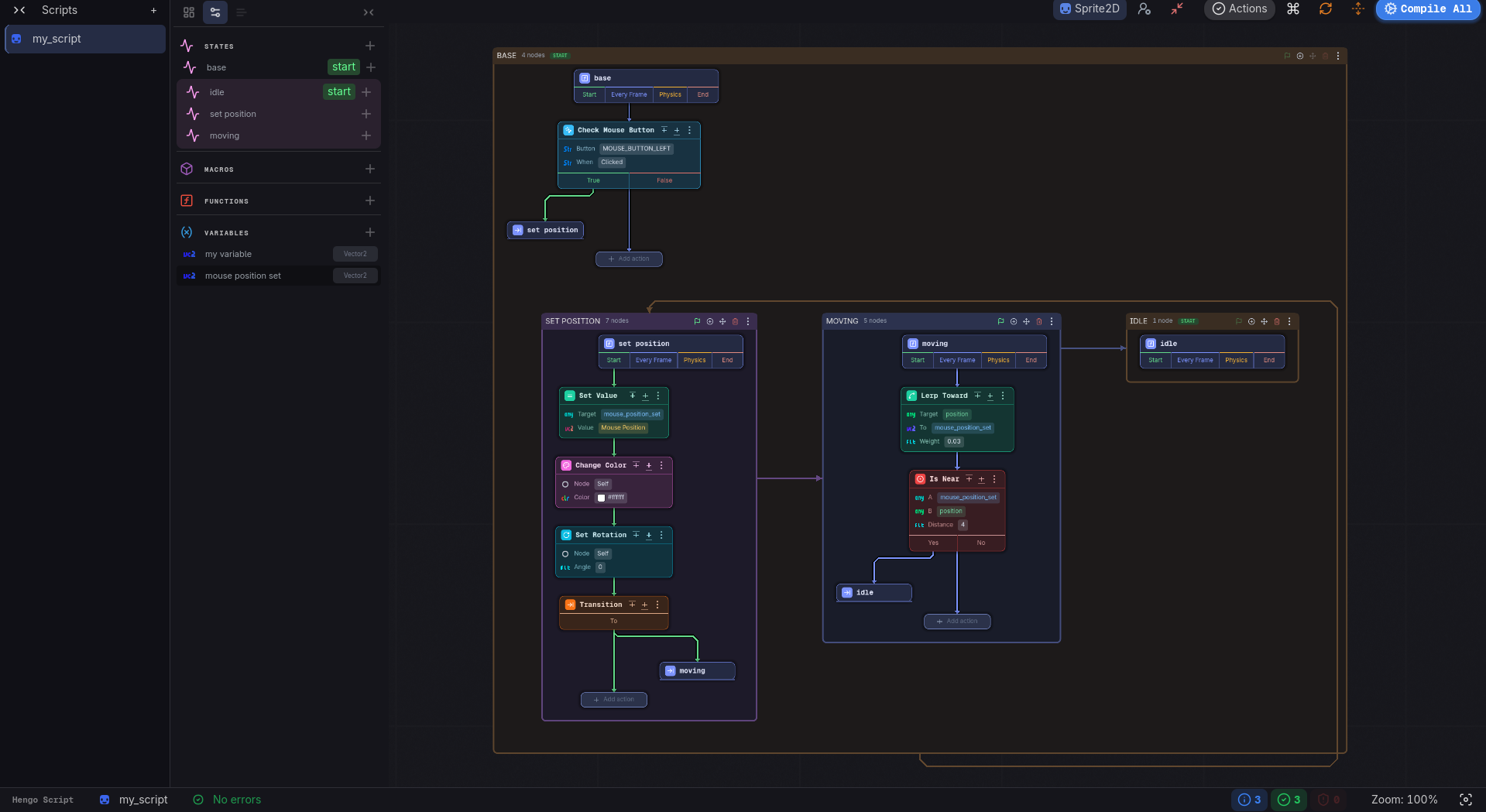
The layout
Section titled “The layout”- Script Tabs rail (far left), a narrow strip listing your open scripts. Expand it (chevrons) to reveal the Scripts title and a + button that opens the Dashboard.
- Side Panel: three tabs, Dashboard, Props and Debug. Collapse it to a thin icon strip. Props is empty until a script is open.
- Canvas: the machine diagram, where each state is a frame holding the node graph of its actions.
- Top Bar: above the canvas: the base class, Config, the Actions validation counter, the keyboard shortcuts, a layout rebuild, the layout toggle and Compile All. See Top Bar.
- Status Bar: along the bottom: script name, error status, a save spinner, terminal counters, the zoom readout, and the States scope toggle.
Where things happen
Section titled “Where things happen”| You want to… | Go to |
|---|---|
| Open / manage collections | Dashboard |
| Add states, macros, functions, variables | Properties |
| See the whole machine | The Canvas |
| Add steps to a state | Actions |
| Read the generated GDScript | res://hengo/scripts/ in the FileSystem dock |
| Write your own action | Custom Actions |
| Watch it run | Debugging |
| Change options | Settings |