
Top Bar
The thin strip above the canvas holds the view switches and the compile controls.
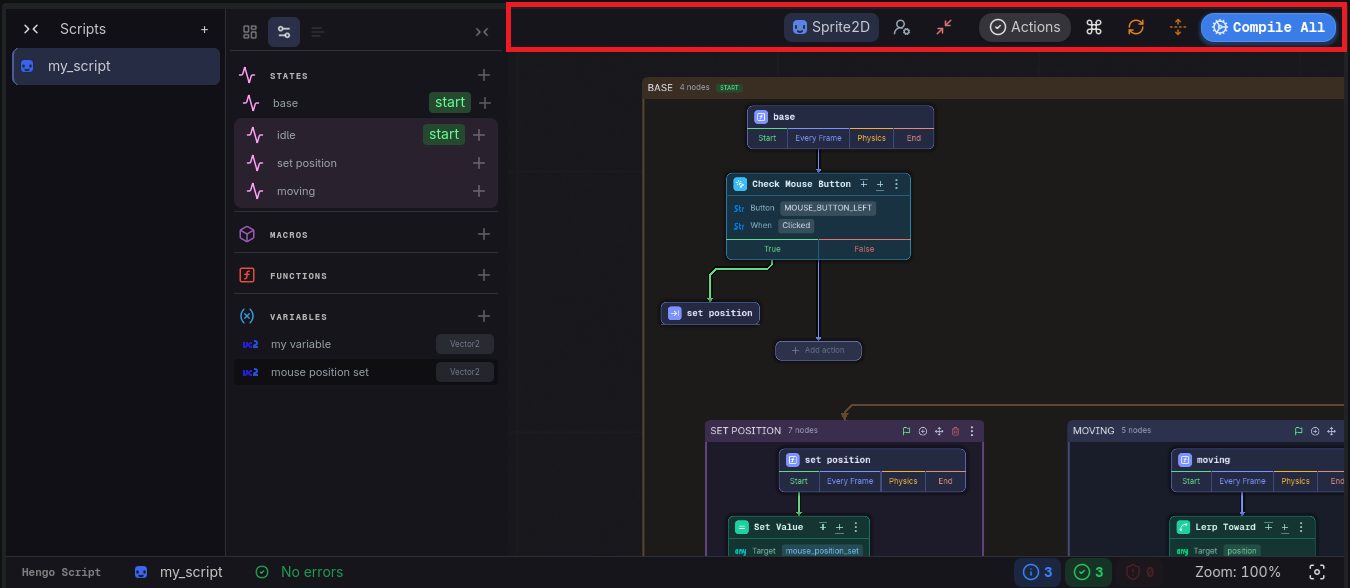
Controls, left to right
Section titled “Controls, left to right”- Class button: shows the script’s base class (e.g.
Node2D). Reads “No script loaded” and is disabled when nothing is open. - Config (gear), opens Settings.
- Actions: the validation counter, see below.
- Shortcuts (keyboard icon), opens the keyboard shortcuts panel.
- Refresh: rebuilds the canvas layout.
- Flow layout (columns icon): toggles wrapping, so a long chain of actions folds into columns instead of running off to the right.
- Compile All: saves the graph and compiles every script in the collection to GDScript, then shows a report of what was written.